How to Print Your Digital Art Download (at Home or a Print Shop)
You have bought a digital artwork — now let’s make it look its best on your wall. Here is how to print digital art beautifully, whether you use a home printer or a professional print shop.
1. Download the full-resolution file
Open the email we sent after your payment, or sign in and go to My Account → My Downloads. Save the file to your computer — do not print the website preview, which is low-resolution and watermarked.
2. Choose your size
Our files print crisply up to A2 (16.5 × 23.4 in). Common frame sizes are A4, A3, 8 × 10 in, 11 × 14 in and 12 × 16 in. If the proportions of the artwork differ slightly from your frame, ask the print shop to add a small white border rather than cropping the art.
3. Pick the right paper
- Matte fine-art paper (200–310 gsm): gallery look, no glare — our favourite for paintings.
- Satin/lustre photo paper: richer colour with a soft sheen.
- Canvas: ask for a canvas print stretched on a frame for a painting-like finish.
4. Home printer or print shop?
A good inkjet printer works well for A4 and A3. For larger sizes, canvas or archival quality, use a local photo lab or an online print service — simply upload the file and choose size and paper.
5. Frame it
A simple white mount (passe-partout) and a thin black, white or natural wood frame suits almost every artwork. Hang it with the centre at eye level — about 150 cm from the floor.
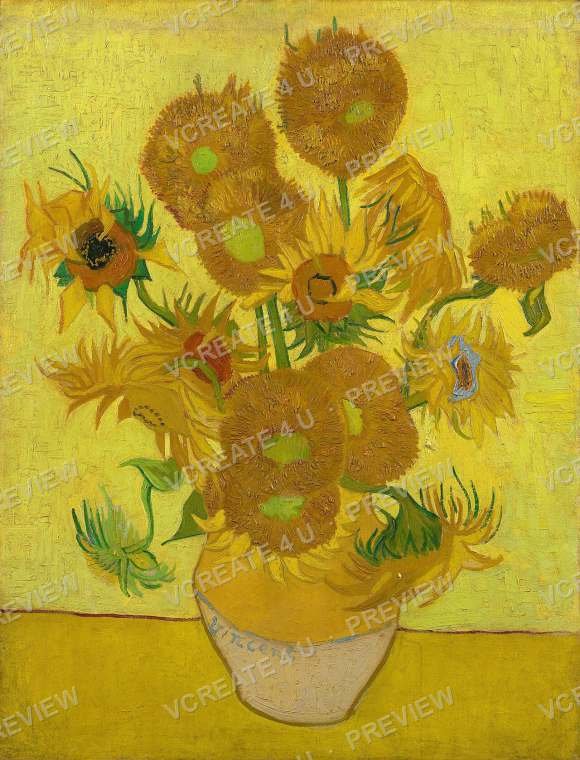
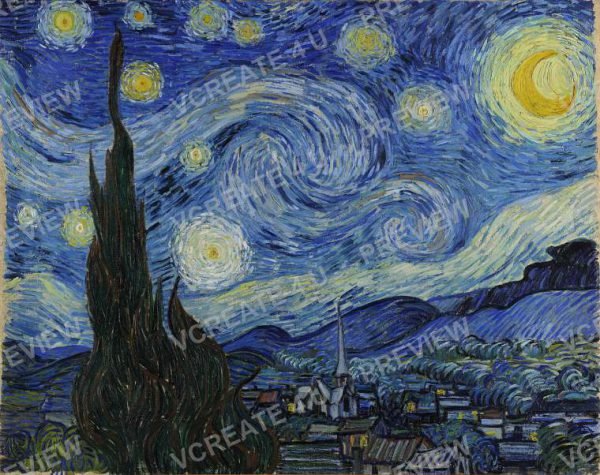
Ready for your next piece? Explore our digital downloads, including printable masterpieces by Van Gogh, Monet and Raja Ravi Varma.